
How can we help?
Learn about our features
- Get Started A hand-picked list of articles specifically focused at getting Jobber up and running for your company.
- Schedule One click. One glance. Scheduling work and communicating it to your customers and crew has never been easier.
- Work Learn about each step of your workflow—requests, quotes, jobs, invoices, timesheets, and expenses.
- Clients Manage the communications you send your clients including email templates, text messages, and reminders.
- Jobber App You and your team can run your day-to-day operations from anywhere with our iOS and Android mobile apps.
- Client Communications Manage how your clients can interact with your business through Client Hub.
- Marketing Tools Jobber Marketing Tools make it easy to whip up powerful email campaigns and put Google reviews to work for your business.
- Settings Manage your team as well as company settings, work settings, route settings, and other settings.
- Jobber Payments Jobber Payments is our payment processor that allows you to securely save and charge credit cards.
- Business Health With over 20 built-in reports, you'll know exactly how your business is doing.
- Account Review your account details, including your Jobber subscription details, personal settings, and password.
- App Marketplace See how Jobber works with your favorite apps and web services to help you do more with your business.
- Videos Check out Jobber Help Center on YouTube for playlists that cover each step of your workflow in Jobber.
- Spanish | Español Documentación sobre el uso de Jobber en español.
Jobber Resources
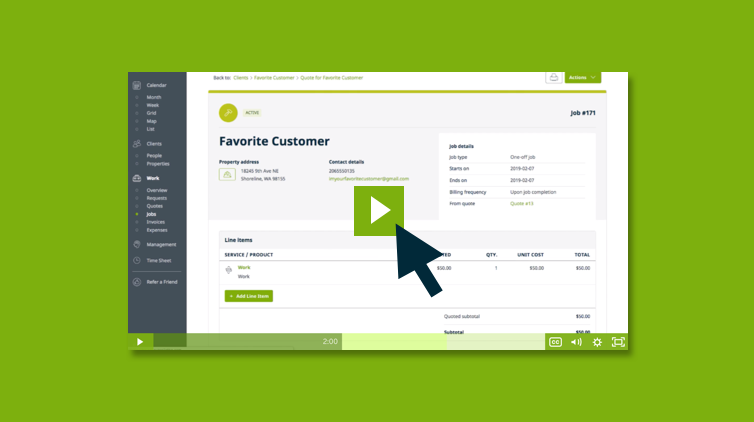
3 Minute Jobber Overview
Follow along with Sarah in this 3 minute overview of the workflow in Jobber.
Learn more
Jobber Academy
Jobber Academy helps people looking to run smarter service businesses.
Learn more
Jobber Help on YouTube
We walk you through our biggest features and point out the essentials.
Learn moreCan't find what you're looking for?
Our support team is here to help you with any questions you might have.
Contact Support